A plain guide to the image formats used on the web, and how to pick the right one for photographs, logos, icons and screenshots.
Choosing the wrong image format is one of the easiest ways to make a page heavier than it needs to be. Each format was designed for a different kind of image, and using the right one can cut file sizes dramatically without any loss you would notice.
JPEG: the long-standing choice for photographs
JPEG has been the standard for photographs on the web for decades. It works well for images with lots of colours and soft detail, and every device can show it. It does not support transparent backgrounds.
PNG: sharp graphics and transparency
PNG keeps hard edges crisp and supports transparency, which makes it a good fit for screenshots, simple graphics and logos. For photographs it produces very large files, so it is usually the wrong choice there.
WebP: one format for both jobs
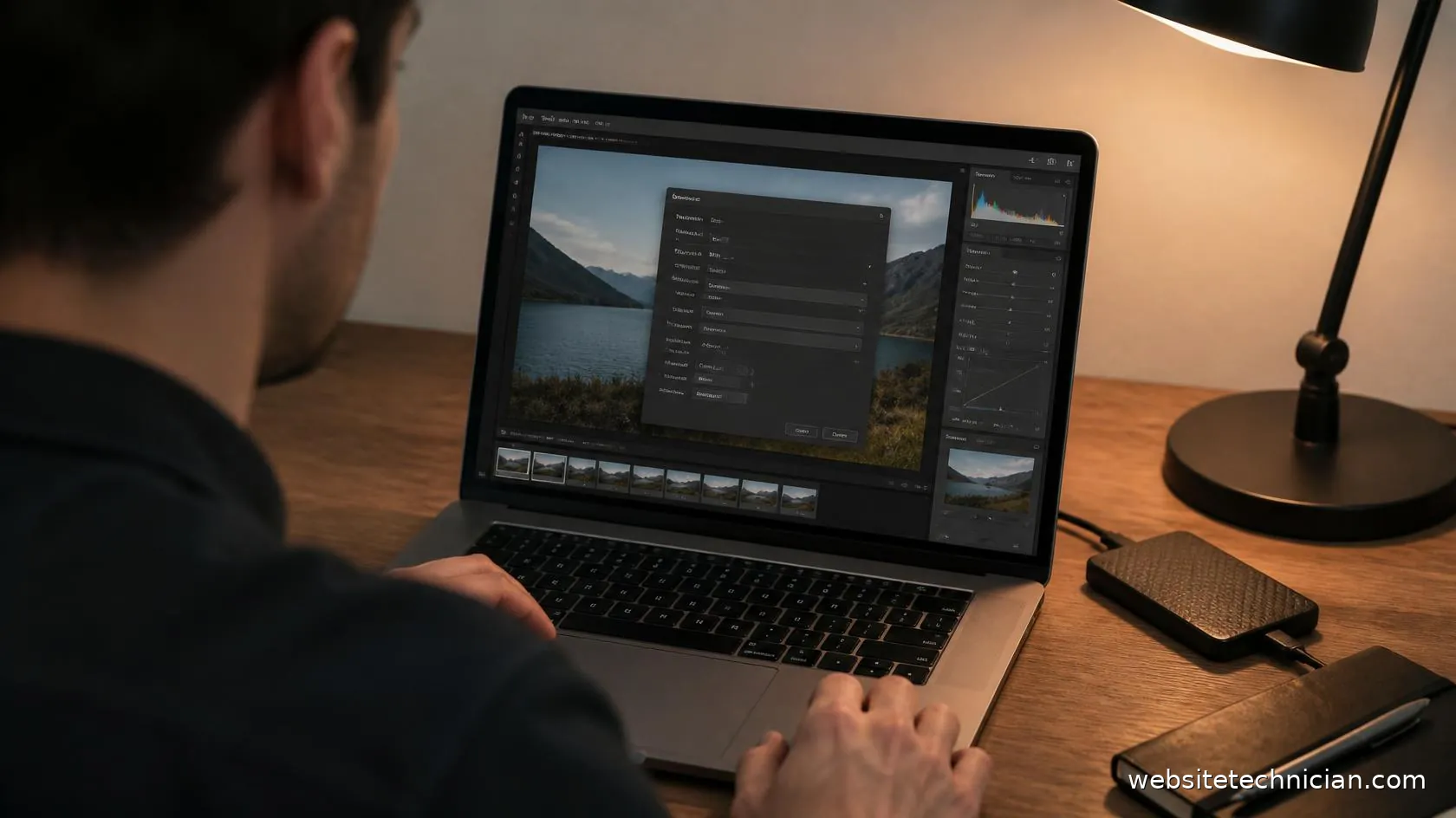
WebP was developed by Google for the web. It can compress photographs like JPEG, keep sharp edges like PNG and support transparency, usually with smaller files than either. All current major browsers display it, which makes it a sensible default for most website images. Our WebP Converter turns JPEG and PNG files into WebP in your browser.
AVIF: newer and often smaller still
AVIF is a newer format that can produce even smaller files than WebP for some photographs. Current versions of the major browsers support it, but creating AVIF files is slower and fewer editing tools offer it, so many sites still use WebP as their everyday format.
SVG: logos and icons drawn with code
SVG is not made of pixels at all. It describes shapes with code, so it stays perfectly sharp at any size and is often tiny. It is ideal for logos, icons and simple illustrations, but cannot be used for photographs.
A simple rule of thumb
Photographs: WebP. Logos and icons: SVG if you have it, otherwise PNG or WebP. Screenshots: WebP or PNG. Whatever the format, resize the image to the largest size it is shown at before saving it, because no format can make up for an image several times too big.