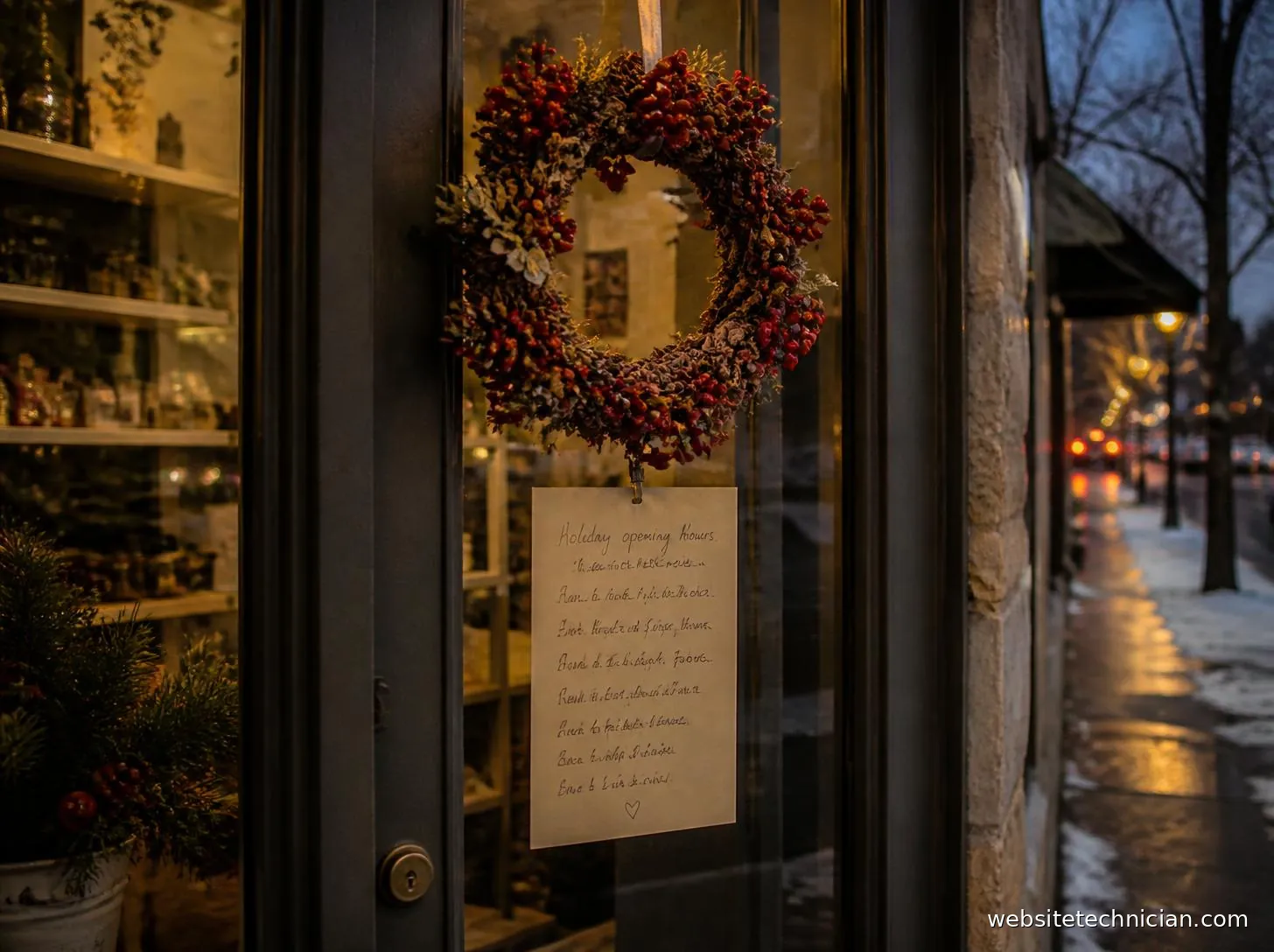
How to tell visitors and search engines about holiday opening hours without confusing anyone, and how to tidy up afterwards.
Few things annoy a customer more than turning up to a closed door on Boxing Day because a website said the business would be open. Holiday hours need to be clear in every place people look, and put back to normal once the season is over.
Start with your own website
Add the holiday hours somewhere visible, not just on the contact page. A short notice near the top of the home page works well, listing the exact dates and times rather than vague wording such as "reduced hours over Christmas".
Update the footer and contact page too, because some visitors will go straight there. If your hours appear in several places, keep a note of each one so none get missed when you change them back.

Update your Google Business Profile
Many people never reach your website. They see your opening hours directly in Google Search or Maps. Google Business Profile has a special hours setting for holidays, which shows the changed times for those dates only and then returns to your normal hours on its own.
Structured data for holiday hours
If your website includes LocalBusiness structured data, it can describe holiday hours too. Schema.org allows opening hours with a start and end date, so the special hours apply only to those days. Our Schema Markup Generator creates the main business markup, and the holiday entries can be added alongside it.
The golden rule is that structured data must match what visitors can see on the page. If the markup says open and the page says closed, search engines may ignore it.
Put a reminder in the diary
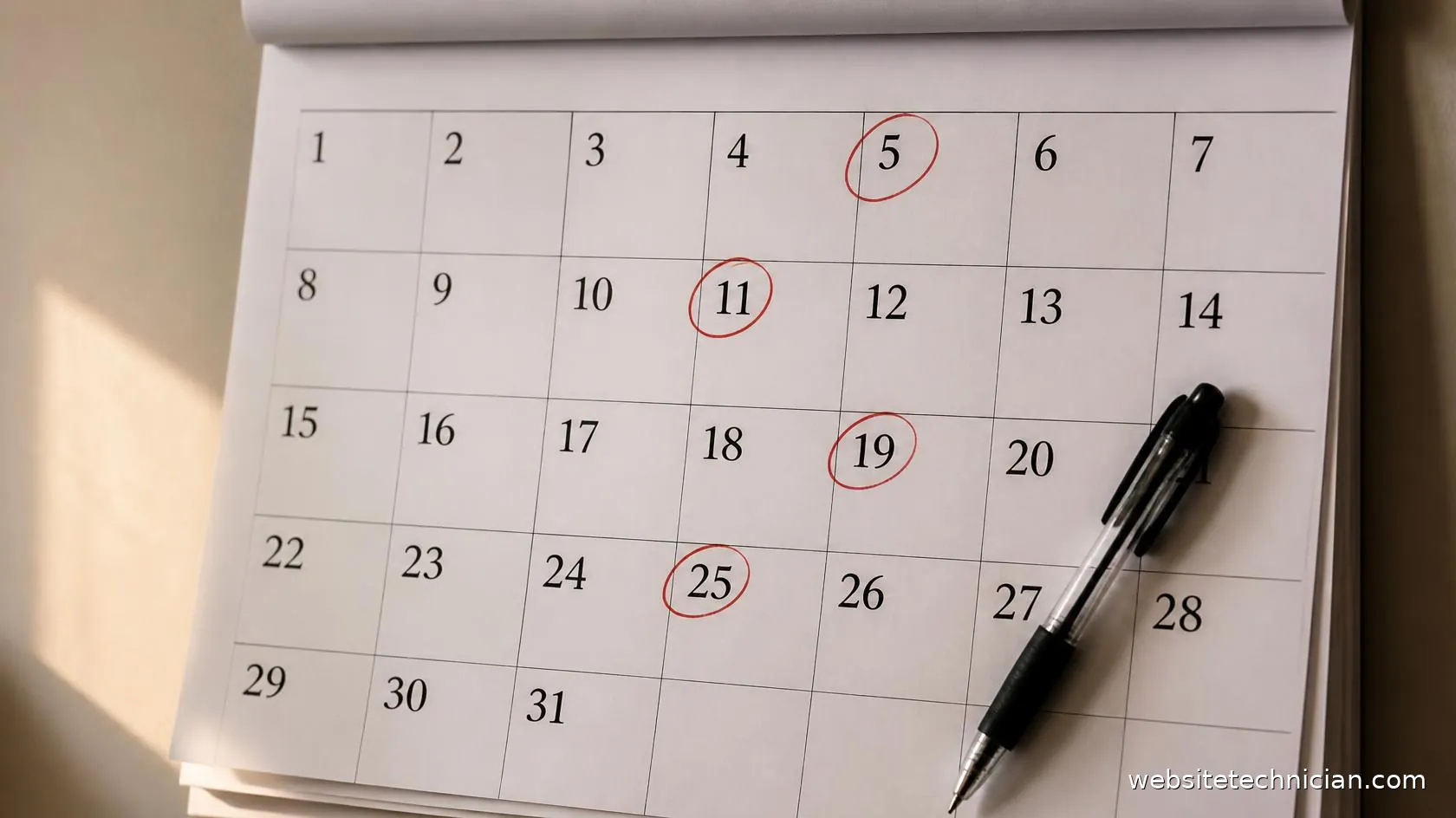
The step most often forgotten is changing everything back. Put a reminder in your calendar for the first working day of January to remove the notice, check the footer and confirm your normal hours are showing everywhere.